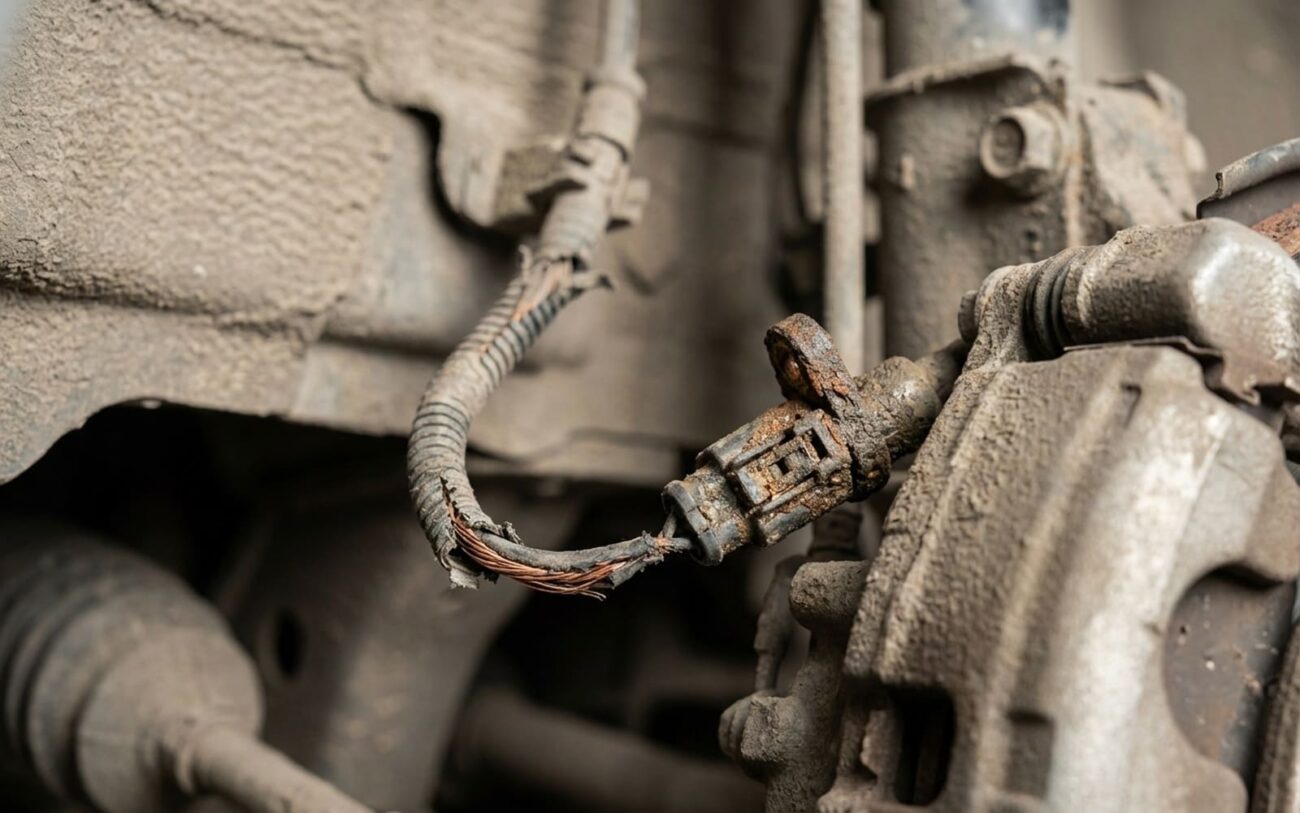
You’re sitting at a light, foot on the brake, and then you hear it: that distinct electric whirring from the rear, sometimes with a faint grind. A second later, your electronic parking brake (EPB) just engaged itself. Now, if you’re like most folks, your first thought is, “What the heck just happened? Is my car breaking down?”
Based on my 25+ years turning wrenches, I can tell you this: in most cases, especially right after you’ve come to a complete stop, that’s not a malfunction. That’s the Auto Hold feature doing exactly what it’s designed to do. But there are definitely times when it is a problem, and knowing the difference can save you a lot of headache and money.
Auto Hold: What It Is and How It Works (When It’s Normal)
Think of Auto Hold as a smart assistant for your brake pedal. It’s a convenience system, standard on most modern VW Group vehicles (VW, Audi, Skoda, SEAT), designed to keep your car stationary after you stop. This means you can take your foot off the brake pedal without rolling, which is a blessing in heavy traffic or on an incline. You’ll often see it labeled as “EPB auto engage” or “hill hold assist” in your car’s settings.
For Auto Hold to kick in, it needs a few conditions met. It’s not just randomly applying the brake. The car’s computer, specifically the Electronic Parking Brake Control Module (J540), looks for:
-
Zero speed: The vehicle must be completely stopped.
-
Seatbelt fastened: For safety, it wants you buckled up.
-
All doors closed: Another safety interlock.
-
Brake pedal applied: You have to actually stop the car first.
Once those conditions are met, and assuming the Auto Hold button is active (you’ll usually see a green “Auto Hold” indicator on your dash), the EPB engages after a second or two. It should be a smooth, relatively quiet action. If that green light is on, and you’re stopped, it’s usually just the system doing its job.
When the EPB Engages on Its Own – And It’s a Problem
Alright, so we’ve covered normal operation. Now, let’s talk about the red flags. This is where you need to pay close attention, because an unwanted EPB engagement isn’t just annoying, it can be dangerous.
Here’s a quick breakdown of what to watch for, and what it likely means:
-
EPB engages at a stop, but the Auto Hold button is OFF: If you’ve manually turned Auto Hold off, but the EPB still engages after you stop, that’s a fault. It could be a bad switch, an issue with the control module, or a software glitch.
-
EPB engages while creeping forward (under 3 km/h): This is a serious fault. The system should never engage while the vehicle is moving, even at a crawl. This points to a sensor failure (like a wheel speed sensor) or a critical control logic error in the J540 module.
-
Harsh, jerky, or unusually loud engagement: Auto Hold should apply smoothly and relatively quietly. If it’s harsh, jerky, or makes excessive noise, that often points to mechanical resistance in the rear EPB calipers or failing actuator motors. I’ve seen these misdiagnosed as purely electrical faults when the root cause is mechanical drag in the caliper assembly itself.
My Diagnostic Approach: How I Find the Real Problem
Look, just guessing and throwing parts at it is a waste of your time and money. When I’ve got an EPB acting up, I use a structured approach. The Electronic Parking Brake Control Module (J540) is the brain here. It talks to the ABS module (J104), the engine control unit, the transmission, and the data bus gateway (J533). To really see what’s going on, you need a factory-level scan tool like VCDS or ODIS. Anything less, and you’re flying blind.
Here’s the process I follow in my shop:
Step 1: Full System Scan – Always First
The very first thing I do is a full system scan. I’m looking for fault codes in the J540, J104, J533, and any other related modules. There are known software deviations in the J540 module that can cause unintended EPB engagement, and VW Group has issued several service bulletins addressing them over the years. A good scan tool will often point me right to those. Without it, you’re just swapping parts on hope, and that’s not how I operate.
Step 2: Live Data Analysis – The Real Story
Fault codes are a starting point, but live data tells the real story. This is where VCDS or ODIS is critical. I’ll monitor specific parameters based on the customer’s complaint:
-
If EPB engages at a stop with Auto Hold OFF: I’ll go into the J540 module’s live data and look for “Auto Hold button status.” It should clearly show ON or OFF as I press the button. If it’s stuck on, or flickering, even when I’m not touching it, that’s a strong indicator of a faulty button or its circuit.
-
If EPB engages while creeping: This is serious, so I immediately monitor live wheel speed data from the ABS module (J104). Sometimes an intermittent dropout from a wheel speed sensor can trick the J540 into thinking the car is stopped, even if it’s barely moving. I also check the brake pedal switch status here.
-
If engagement is loud or harsh: I monitor “motor current draw” for the EPB actuators in the J540 live data. High current draw indicates mechanical resistance – the motor is working harder than it should be. This points to a binding EPB caliper, a seized cable (less common on newer designs), or a failing motor that’s just struggling. This isn’t an electrical fault in the logic; it’s a mechanical drag issue.
Step 3: Verification and Testing
After I’ve identified a potential cause, I’ll perform specific tests. For example, if I suspect the button, I’ll cycle it repeatedly while watching live data. If I suspect software, I’ll check for available updates. This methodical approach ensures I’m not chasing ghosts.
What Actually Fails in These Systems
This Auto Hold feature is heavily software-driven. The J540 EPB control module is constantly pulling data from the ABS module, the engine control unit, and the transmission to make real-time decisions. So, when things go wrong, it’s usually in one of these areas:
Software or Coding Errors
Internal J540 Module Failure
Faulty Auto Hold Button/Switch
Now, here’s what usually doesn’t cause unwanted EPB engagement:
A faulty brake light switch, for example, might prevent the system from activating, but it won’t typically cause an unwanted engagement. Similarly, worn pads or seized calipers are mechanical issues. They’ll cause drag and noise, but they won’t fool the control logic into engaging the brake on its own. If you’re hearing grinding, it’s probably mechanical, but the command to engage is still coming from somewhere else.
Repair Options: What You Can and Can’t Do Yourself
Let’s be clear: some of these repairs are strictly for the pros. Modern VW Group cars are complex, and their electronic systems are intertwined. Trying to DIY certain things here can easily lead to a much bigger, more expensive problem.
Professional Territory
Anything involving software flashing, module replacement, or component protection deblocking requires specialized tools (ODIS) and access to VW’s online databases. This isn’t something you can do with a generic scanner or YouTube videos. Trust me, I’ve seen the aftermath of DIY attempts here.
Software Update or Calibration Fix Professional Only
Auto Hold Button Replacement DIY Feasible
J540 Module Replacement Professional Only
Verifying the Repair: Don’t Skip This Step
A repair isn’t done until it’s validated. I’ve seen too many people fix one thing only to have another pop up because they didn’t properly test. Here’s how I verify the fix:
-
After a Software Update: I’ll drive the car, making sure the Auto Hold button toggles the indicator reliably. Then I’ll test it in various scenarios – flat ground, slight incline, heavy traffic – to ensure it only engages when all conditions are met, and disengages smoothly when I accelerate.
-
After Replacing the Button: I’ll use my scan tool to monitor the “Auto Hold button status” parameter. It needs to change cleanly from ON to OFF, without any flickering or hesitation, every single time I press the button.
-
After Replacing the J540 Module: This is the most extensive. I run the full EPB function test in ODIS, which includes manual apply/release cycles, emergency brake activation, and a full basic setting adaptation. Then, a thorough road test to confirm everything is working as designed.
Costs, Risks, and Making the Right Call
So, what’s this going to cost you? It really depends on what the diagnosis reveals. Here’s a general idea based on what I see in my shop:
Software Update
This is often the first and cheapest fix. It has a very high success rate (over 95%) and low risk if done by a pro with a stable power supply. If this fixes it, you got off easy.
Switch Replacement
If you DIY the button, parts are typically $50–$150. A professional replacement will include labor. This also has a very high success rate (>98%) if the button is indeed the cause.
J540 Module
This is the big one. The module itself is expensive, and then you add the labor, coding, and component protection. There’s a high risk if not done correctly; improper coding or deblocking can immobilize your car. This is absolutely professional territory.
Prevention: Maintain Electrical Health
I can’t stress this enough: keep your car’s battery in top condition. Modern cars are incredibly sensitive to voltage. Your resting voltage should be 12.4V or higher. A weak or dying battery causes modules to reset, throw phantom codes, and behave erratically. If you don’t drive frequently, use a battery maintainer. It’s cheap insurance against electronic gremlins.
Early Warning Signs I Look For
-
Intermittent indicator light: If that green Auto Hold light flickers, comes on dimly, or fails to illuminate sometimes when it should.
-
Inconsistent behavior: The system works perfectly one day, but not the next, or only seems to act up on hills. That’s a classic sign of an intermittent electrical or software glitch.
-
Delayed or rough engagement: If the EPB application feels sluggish, jerky, or takes longer than usual to engage during its normal cycle.
