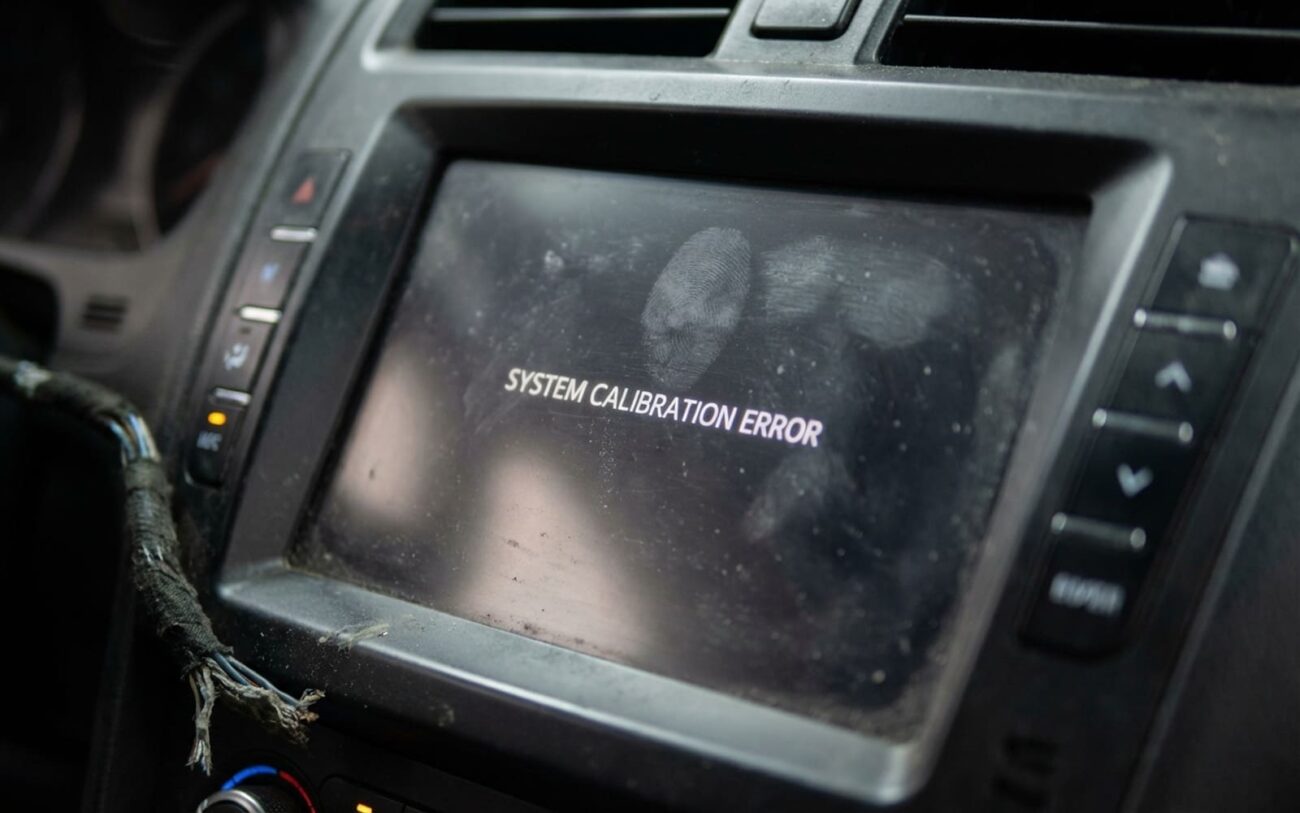
Touchscreen gone dead? Ghost touches taking over your infotainment? I’ve seen this a thousand times—on everything from base-model Hondas to loaded-up Teslas. And let me tell you, most people jump straight to “replace the screen” without checking what’s actually broken. That’s how you end up blowing $1,200 on a part swap that doesn’t fix the problem.
First: What’s Actually Broken?
Before you touch a screwdriver, you need to answer one question: is the display working or not?
If the screen looks fine—image is crisp, menus load, climate settings show up—but tapping does nothing, that’s a digitizer failure. The LCD and touch layer are separate. One can work while the other dies completely. I’ve pulled screens where the display was perfect but the touch controller was fried from a jump-start spike.
Now, if the screen is flickering, frozen, or black—don’t assume it’s the touchscreen. Could be the head unit itself. Or a communication fault on the CAN bus. Seen it on a 2019 Traverse where the whole cluster went dark because of a bad ground in the infotainment harness. No codes, just intermittent dropouts.
Then there’s “ghost touch”—the screen taps itself, sliders move on their own, or you get random inputs in the middle of driving. That’s usually moisture, calibration drift, or physical damage. On a 2021 Silverado I worked on last month, one drop of spilled coffee under the bezel caused phantom volume changes every time the cabin warmed up.
Diagnosis: Stop Guessing, Start Testing
Here’s the hard truth: if your shop doesn’t have a factory-level scan tool, they’re not diagnosing this right. Aftermarket scanners often can’t access infotainment diagnostics, calibration menus, or touchscreen test modes. You’re flying blind.
On most modern vehicles—especially GM, Ford, and European brands—you need to enter a hidden diagnostic mode during startup. Usually a sequence like “Menu + Eject” or “Volume Down + Power” held for 10 seconds. If done right, a grid appears on screen. Tap each box. If nothing registers, the digitizer or its connection is dead.
But if the grid never shows up? That points to the head unit, power supply, or communication fault. I once had a BMW 5 Series where the screen wouldn’t boot—turned out the IVI module wasn’t getting 12V because of a corroded fuse in the rear junction box. No corrosion visible from the top. Had to pull the panel.
| Symptom | Likely Source | Mimics | Definitive Test |
|---|---|---|---|
| Dead touch, live display | Digitizer failure, broken flex cable, controller chip | Head unit crash, software freeze |
Enter OEM touchscreen test mode. No response = digitizer fault. No grid = head unit or power issue. |
| Phantom or misaligned touches | Moisture, micro-crack, calibration loss | Software bug, update glitch |
Perform recalibration via scan tool. If it fails or returns in 24 hours, hardware is compromised. Inspect for cracks with flashlight at 45° angle. |
And don’t skip the basics: check power and ground at the head unit. A failing alternator putting out AC ripple can cause intermittent infotainment resets. Seen that on a 2017 Ram 1500—voltage tested fine with a multimeter, but oscilloscope showed 1.8V of ripple. Replaced the alternator, problem gone.
What Actually Fails—And Why
I’ve torn down hundreds of these units. These aren’t random failures—they follow patterns.
No. 1: Thermal Stress & Delamination
The digitizer is made of indium tin oxide printed on glass. Park your car in the Arizona sun all summer? That thermal cycling causes micro-fractures. You’ll start seeing rainbow patterns near the edges when the screen’s off. That’s the adhesive breaking down. Once it starts, it spreads. I’ve seen it on Teslas, Volvos, even Toyotas.
No. 2: Physical Damage (Even Tiny)
Dropped your keys on the screen? Even a hairline crack can kill the capacitive grid. The display stays on, but touch stops working—usually in one quadrant. Common on the lower corners of Fords and GMs where the bezel doesn’t overhang much.
No. 3: Flex Cable Failure
That ribbon cable between the screen and head unit flexes every time the dash expands or contracts. Over time, the traces fatigue. On 2015–2017 F-150s, I see this weekly. Reseat it? Sometimes works. But if the copper’s cracked, you’re replacing the whole assembly.
No. 4: Moisture & Corrosion
Spills, humidity, poor seal—moisture gets under the bezel and corrodes the flex contacts. Or worse, creates a conductive path that tricks the system into thinking you’re touching the screen. I’ve had customers swear their car was haunted until we found a soda leak from the cup holder.
How I Fix It (And When I Don’t)
Reseat the Flex Cable (If Accessible)
On some vehicles—like older Subarus or Mazdas—you can get to the connector without removing the whole dash. Disconnect the battery, pop the trim, unplug the ribbon, clean contacts with contact cleaner (not alcohol—kills coatings), reseat firmly. Risk? Tear the cable. One slip with metal tools and you’re buying a new screen.
Digitizer Replacement (Skill-Intensive)
Some screens let you separate the digitizer from the LCD. But it’s not a garage job. You need a heat gun, suction lifters, precision pry tools, and LOCA adhesive. Then laminate under vacuum to avoid bubbles. I do this in a clean booth. One speck of dust? Dead pixel or touch dead zone. Success rate for pros: ~70%. For DIYers? Closer to 10%.
Full Assembly Swap (Most Common)
Tesla, BMW, newer GMs, Fords—sealed unit. No serviceable parts. If the digitizer or LCD fails, you replace the whole thing. OEM or programmed aftermarket. And yes, it needs VIN coding. Skipping that? You’ll get “Service Required” errors or missing features like Bluetooth pairing.
Hard Reset (Diagnostic, Not a Fix)
Disconnect negative terminal for 15 minutes. Clears volatile memory. Might stop ghost touches temporarily. But if it’s hardware, it’ll come back. And you’ll have to reprogram windows, sunroof, radio presets. Worth a try—but don’t call it a repair.
Did It Work? Here’s How I Know
You didn’t finish when the dash is back together. You finish when the system’s proven.
After a cable reseat: power through three ignition cycles. Test touch in all four corners, center, edges. If it misses once, the connection’s not solid.
After digitizer replacement: run the OEM touchscreen calibration. Grid must respond perfectly. No lag, no extra inputs. Then inspect under bright light—bubbles, dust, uneven lamination? That’ll fail in six months.
Full assembly swap? Test display, touch, physical buttons. Then scan for DTCs. Clear any stored codes. Perform module initialization. Some BMWs won’t enable wireless CarPlay until the screen is coded to the VIN. Skip it, and the customer’s back in a week.
Cost vs. Value: When to Walk Away
| Repair Type | DIY Cost | Shop Cost | Success Rate | Risks |
|---|---|---|---|---|
| Cable reseat | $0–$20 | $100–$200 | <15% | Torn flex cable, broken clips, scratched screen |
| Digitizer replacement | $50–$150 | $300–$600 | 70% | Destroyed LCD, bubbles, touch inaccuracy |
| Full assembly | $300–$800 | $500–$1500+ | 95% | Wrong programming, harness damage, dash scratches |
Here’s my rule: if the repair costs more than 40% of the car’s private-party value, don’t do it. Put a $30 Android Auto box in the dash. Use your phone. It’s not ideal, but it’s safe, functional, and won’t leave you upside down on a repair.
Keep the Next One Alive
To Prevent Recurrence
-
Clean with microfiber and screen-safe cleaner only. Alcohol strips the oleophobic coating. Window cleaner eats the edge seal over time.
-
Park in shade or use a sunshade. UV and heat are killers. That constant expansion/contraction fatigues solder joints and adhesive.
-
Watch for early signs: dead spots, flickering edges, rainbow haze near the bezel. Once delamination starts, it progresses.
-
If it gets wet, power it down. Let it dry for 24–48 hours. Moisture under the glass is a death sentence for digitizers.
Last thing: some vehicles let you check touchscreen health in the service menu. Not all do. But if yours does, learn how to get in there. And if you’re fighting glitches, try a battery reset—but know it’s not a fix for hardware. It’s just a reset.
I’ve been doing this since the days of cassette decks. The tech’s changed, but the approach hasn’t: test before you replace, verify the root cause, and don’t let a symptom fool you into a costly mistake.
