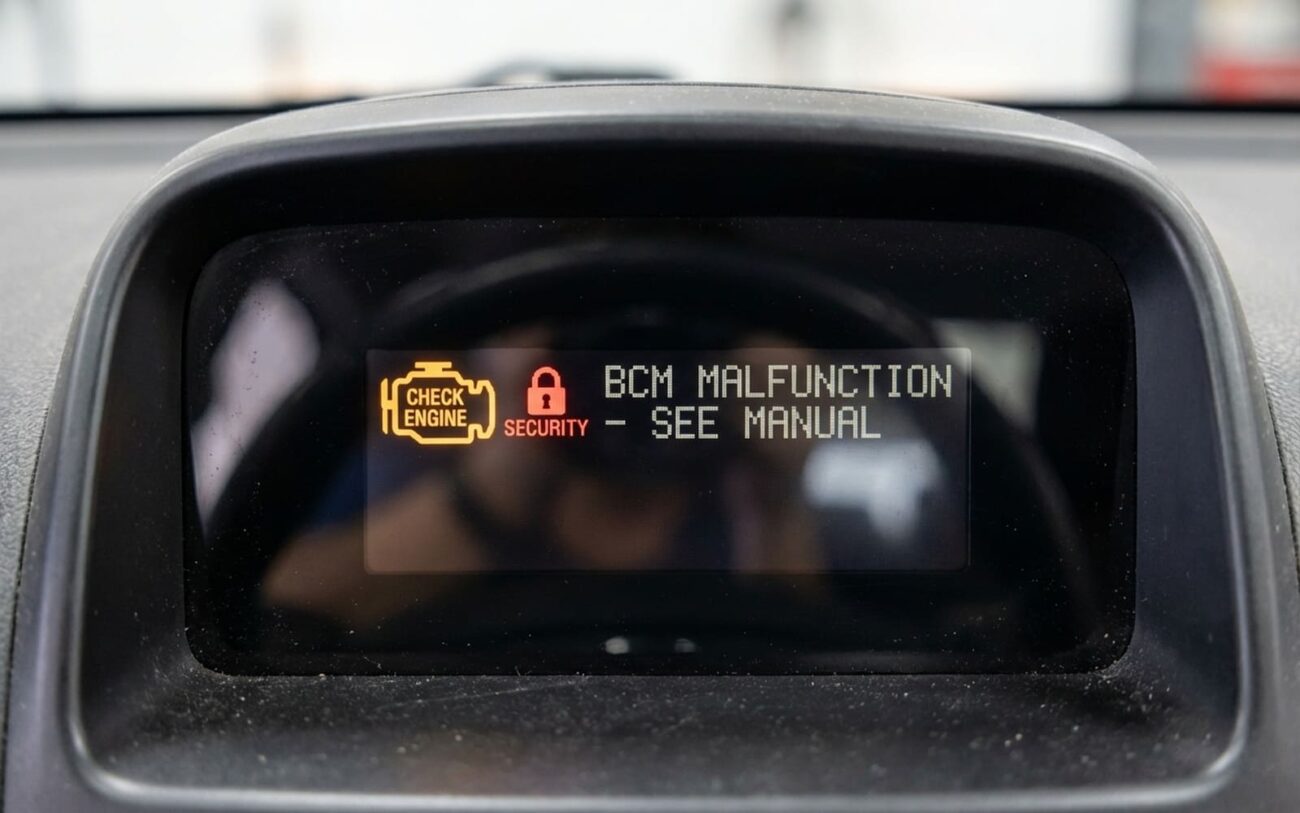
Alright, let’s talk about aftermarket alarms and remote starts. You had one installed, and now your car’s acting like it’s possessed – windows doing their own thing, locks clicking away, lights flickering, or maybe it just won’t even crank. Sound familiar? Believe me, I’ve seen this play out hundreds of times in the shop over the years. And almost every single time, the finger points right at the Body Control Module, or BCM.
Your Car’s Brain: The Body Control Module (BCM)
Look, modern cars aren’t like the old days where you could just tap into a power wire and call it good. These vehicles are rolling computers, and the Body Control Module (BCM) is a huge part of that. It’s not just some fancy fuse box; it’s the central nervous system for almost all your car’s ‘comfort’ features.
Think of the BCM as the air traffic controller for your vehicle’s convenience systems. It manages everything: your power windows, door locks, interior lights, wipers, even the fuel pump enable on some models. And it does all this by talking to other modules – like the Engine Control Module (ECM) – over a high-speed data network called the CAN bus.
When you start splicing into wires connected to the BCM, especially those on the data network, it’s like messing with that air traffic controller’s radio. Suddenly, messages get garbled, signals get crossed, and the whole system gets confused. That’s when you get the ghost in the machine – the random locking, the flickering lights, the no-start condition. It’s not magic; it’s a communication breakdown.
How a Bad Alarm Install Can Fry Your BCM
It’s not just theoretical; a poorly installed aftermarket alarm can absolutely, physically destroy your BCM. I’ve seen it happen too many times. Here’s how it usually goes down:
The most common killer is electrical overload from a short circuit. When an installer uses quick-connects like T-taps or Scotch locks – and honestly, those things are the bane of my existence – they often create a poor connection. These connections can degrade, expose bare wire, or simply short out. The BCM’s internal driver transistors, which are basically tiny, sensitive solid-state switches, are forced to handle way more current than they’re designed for. They burn out instantly. It’s like trying to run a welding machine through a phone charger.
Then there are the data lines. Your BCM talks to everything via networks like the CAN bus. These lines, CAN High and CAN Low, carry precise digital signals. Piercing them with a test light, a cheap probe, or even a bad solder joint can introduce voltage spikes or corrupt the signal. The BCM’s communication transceivers operate on very specific logic levels, and a spike can fry these sensitive components. This leads to intermittent, flaky behavior that’s a real bear to diagnose – sometimes it works, sometimes it doesn’t, and you’re pulling your hair out trying to find a consistent fault.
Diagnosing the Mess: BCM Failure vs. Bad Wiring
Okay, so you’ve got problems. The trick now is figuring out if the BCM itself is toast, or if it’s just a symptom of the botched alarm wiring. A lot of the issues look identical at first glance, but the root cause makes all the difference in how you fix it – and how much it costs.
If the BCM truly failed internally, you’ll often see multiple, seemingly unrelated systems go down at once. I’m talking power windows, interior lights, and wipers all dead, even though they’re on different fuses. Why? Because while their power might come from different places, they all rely on the BCM for control logic and signal routing. A true internal BCM failure usually means you can’t even talk to the module with a scan tool.
Then there’s the “ghost” behavior: doors locking and unlocking by themselves, turn signals flashing randomly, or dome lights turning on for no reason. While this can be a sign of a dying BCM, in my experience, it’s far more often a symptom of that aftermarket alarm wiring creating unintended voltage paths. This is especially true when those shoddy splices degrade or the insulation fails, causing intermittent shorts or feedback. It’s a pain to track down, but it’s usually not the BCM itself.
To cut through the guesswork, here’s how I approach it in the shop:
| Symptom | Likely BCM Issue | Common External Causes | Definitive Test I Use |
|---|---|---|---|
| No communication with BCM via scan tool e.g., U0100, U0140 |
Internal BCM power supply or processor failure, damaged CAN transceiver. | Blown BCM fuse, damaged CAN bus wiring, alarm splice interrupting network lines, poor BCM ground. |
Back-probe BCM power/ground pins. Check CAN High/Low resistance (~60 ohms across the network, or ~120 ohms at the BCM if a terminator). |
| Erratic door lock operation | Failed internal driver transistor for lock circuit. | Faulty door lock actuator, broken wiring in door boot, alarm lock relay shorting, poor ground. |
Use a good scan tool with bi-directional control. If locks respond via the tool, the BCM’s output driver is likely okay, pointing to external wiring or the alarm itself. |
| Parasitic battery drain | BCM internal short keeping a relay or output energized, preventing sleep mode. | Aftermarket alarm module drawing excess current, short to power in tapped wiring, alarm not allowing modules to sleep. |
Perform an amperage draw test (amp clamp or multimeter in series). Systematically pull fuses. Disconnect the alarm completely and retest. |
Alright, How Do We Actually Fix This Mess?
Diagnosis is one thing, but fixing it right is another. My approach is always to start by eliminating the known problem – the aftermarket alarm. Don’t try to troubleshoot around it; get it out of there first.
Complete Alarm System Removal & Factory Wiring Restoration
Don’t Forget Programming
If you end up replacing the BCM, remember it’s not plug-and-play. On most modern vehicles, the new module has to be programmed with the vehicle’s VIN, calibrated, and often security-linked to other modules. This requires factory-level diagnostic software and security access that your average DIYer or even many independent shops just don’t have.
BCM Module Replacement Professional Only
How to Prevent This Nightmare Next Time
Alright, so you’ve been through the wringer. How do you avoid this whole headache if you still want an alarm or remote start? It comes down to understanding how these systems integrate with modern vehicles. Here’s what I recommend:
My Best Advice for Installation
-
Use vehicle-specific data interface modules (bypass modules). These are designed to plug directly into the vehicle’s OBD2 port or factory data lines and communicate digitally, without cutting or splicing. This is the only truly safe way to integrate these systems.
-
Absolutely avoid T-taps and Scotch locks. I can’t stress this enough. They create intermittent connections, high resistance, and ultimately, problems. If you must splice, do it properly with solder and heat shrink.
-
Never tap into digital multiplexed wiring with analog methods. Digital signals aren’t simple on/off power wires. Messing with them can corrupt data packets and confuse entire networks.
-
Verify your installer’s experience with your specific vehicle’s network architecture. Ask them about their preferred installation methods and if they use data interface modules. If they talk about cutting and splicing every wire, walk away.
What’s This Going to Cost You?
Let’s talk money, because this is where a “cheap” alarm install really bites you. Fixing a BCM issue, especially one caused by aftermarket wiring, isn’t cheap. Here’s a general idea:
BCM Programming
Labor for VIN matching and calibration at a dealership or specialist. This is after the module is installed.
Used BCM + Install
Includes a salvaged module, physical installation, and programming fees. Buyer beware with used modules; make sure it’s compatible and from a reputable source.
New BCM & Harness Repair
This is the full OEM replacement cost, plus professional restoration of any damaged factory wiring. This is often the reality when things go really wrong.
A Word of Warning: Don’t Try to Bypass It
I’ve seen folks try to “fix” a failed BCM by rigging up relays and manual switches for things like door locks or windows. Don’t do it. You’ll lose critical functions like auto-lock, interior light fade, or fuel pump enable that are tied into the BCM’s logic. It’s a temporary fix that creates long-term headaches, and frankly, it’s unsafe.
